
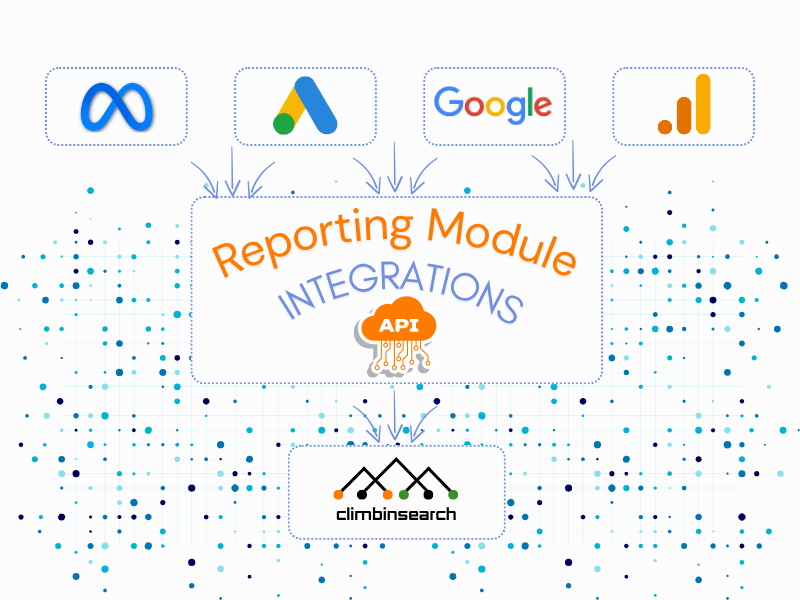
Most teams can access performance data.
The problem is turning it into a consistent reporting process.
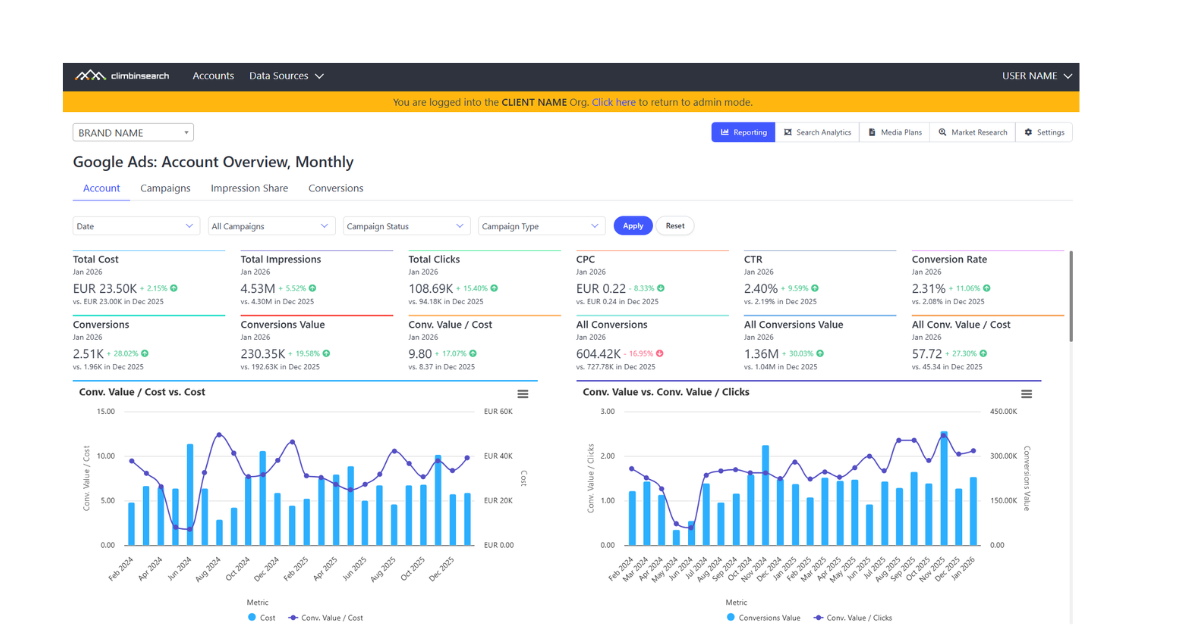
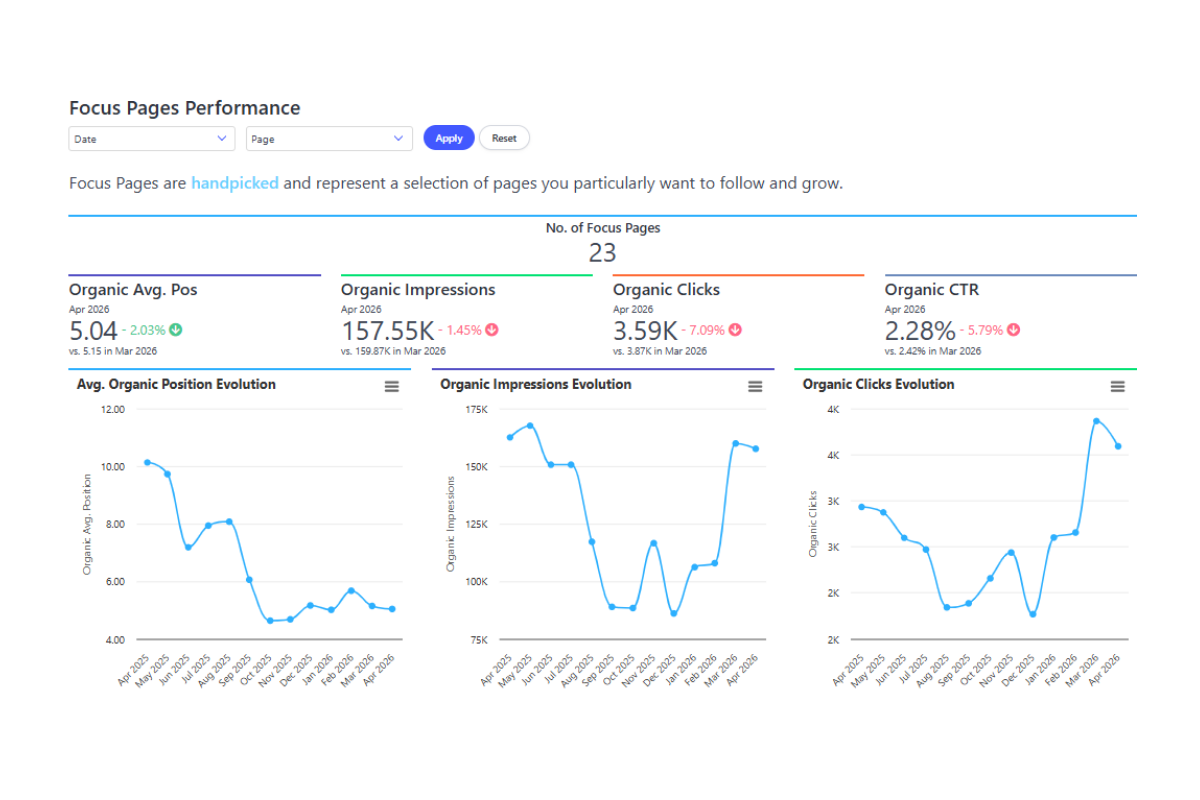
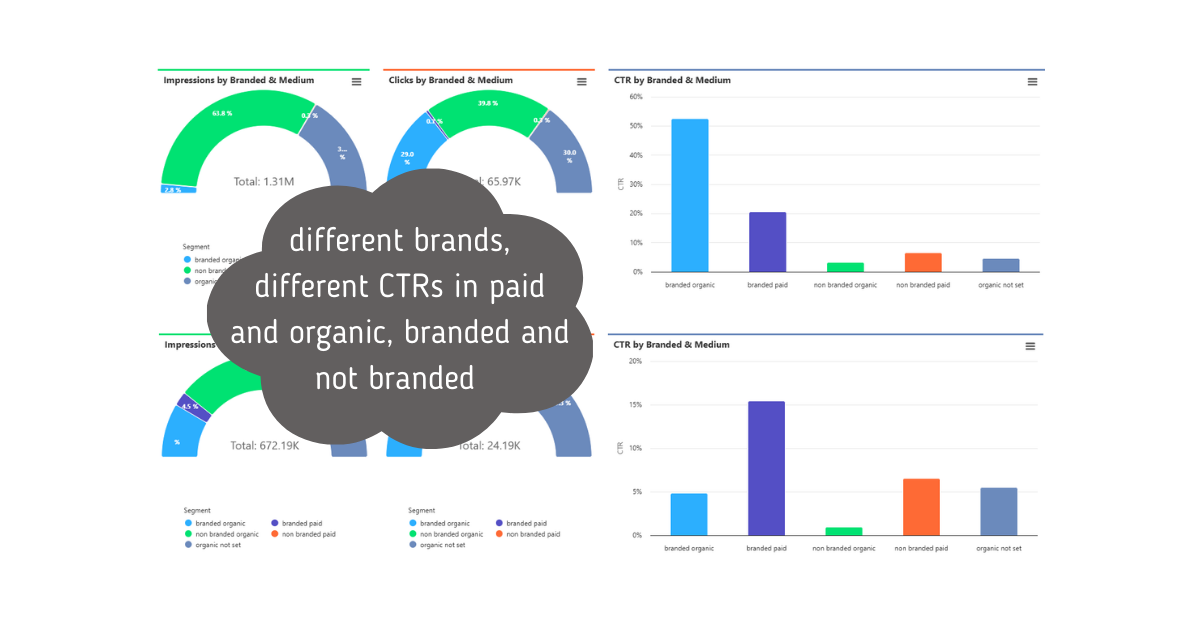
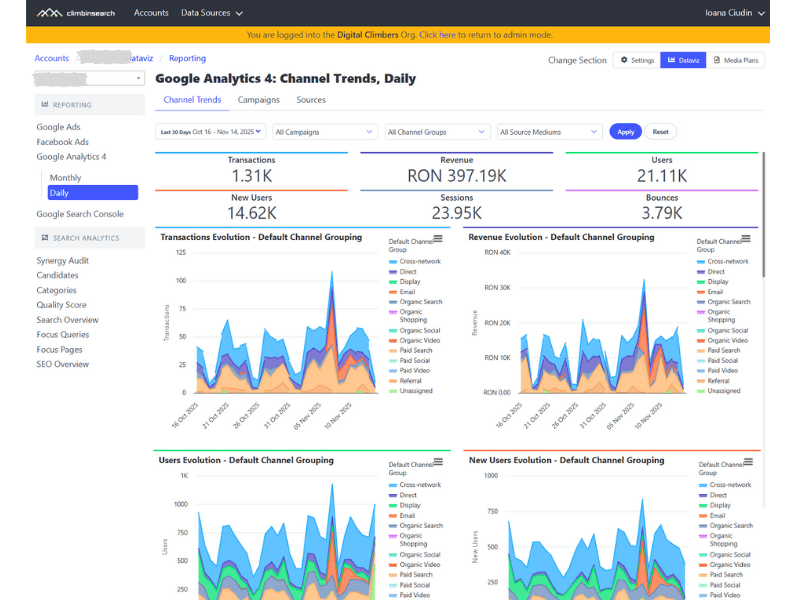
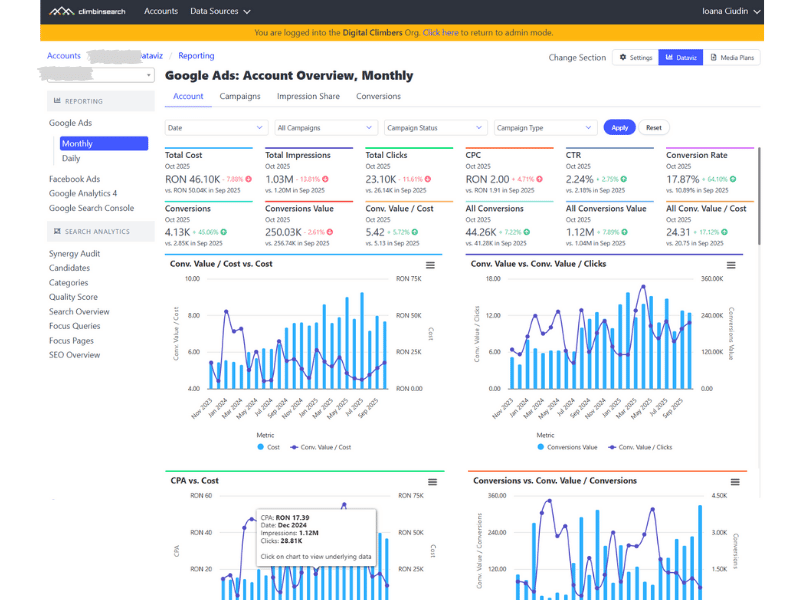
Reporting removes exports, slide rebuilds, and inconsistent KPI definitions. It gives you one shared structure for performance reviews, so reporting becomes repeatable and easy to understand.
Dashboards show data.
Reporting creates clarity.
It is built for recurring reviews: the same KPIs, the same logic, and the same structure month after month, so stakeholders focus on decisions, not on interpretation.
Specialists use it to validate results and reduce manual reporting work.
Client Leads use it to keep accounts consistent and easy to review.
Clients use it to see performance in a clear structure, not a collection of links and screenshots.
When you manage multiple campaigns, channels, or stakeholders and reporting takes too long.
If every month feels like rebuilding the same deck, this module creates the standard that keeps performance communication clean and scalable.
Automation means your reporting structure stays intact while the data updates.
Instead of rebuilding the same reporting pack every month, you work from a stable framework that refreshes with the latest results, so time goes into analysis and decisions.