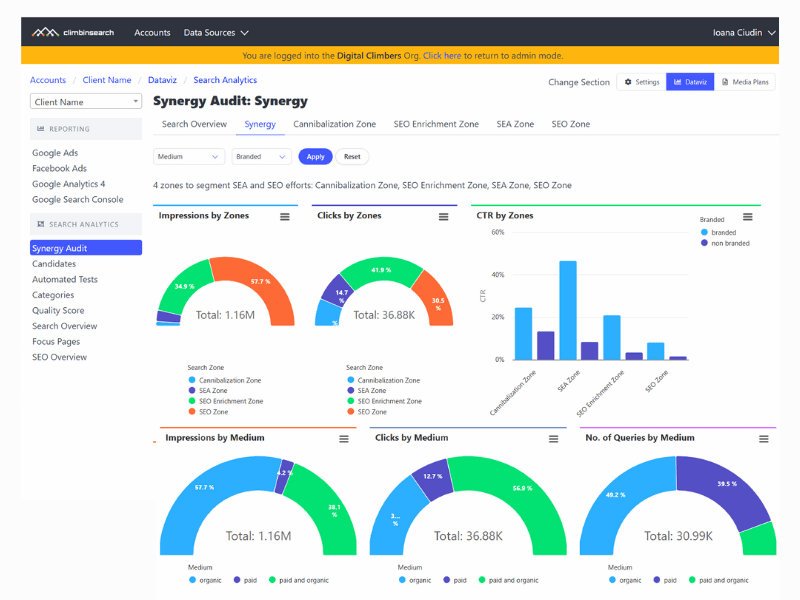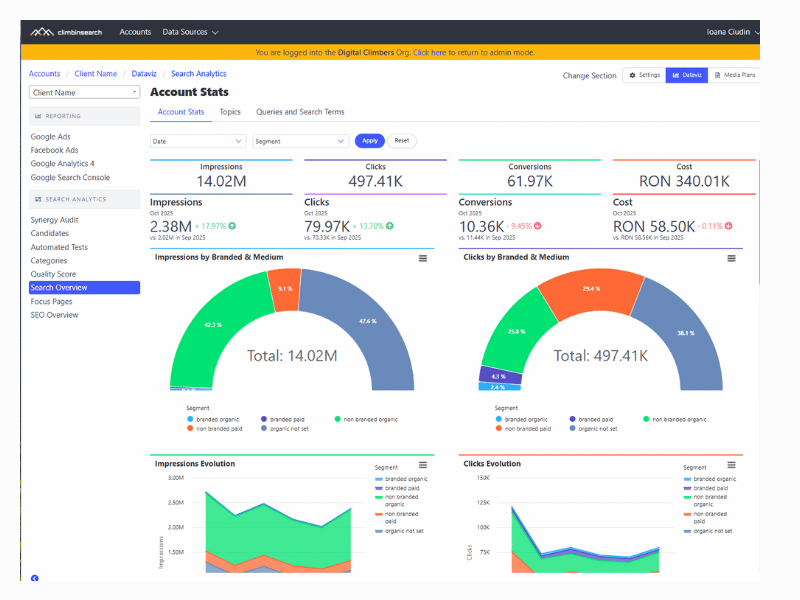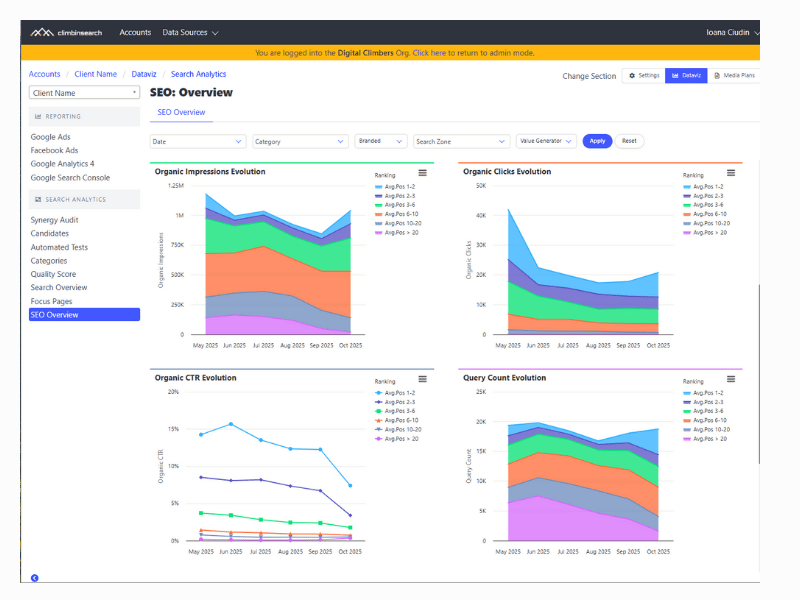
These changes are part of a broader effort to improve orientation and usability across the platform.
A media plan is not one page. It is a workflow that moves between plan setup, summary review, campaign linking, and operational settings like conversion currency.
When navigation is slow or inconsistent, teams lose time and context. This update reduces friction by making the most common “back and forth” paths direct, visible, and predictable.
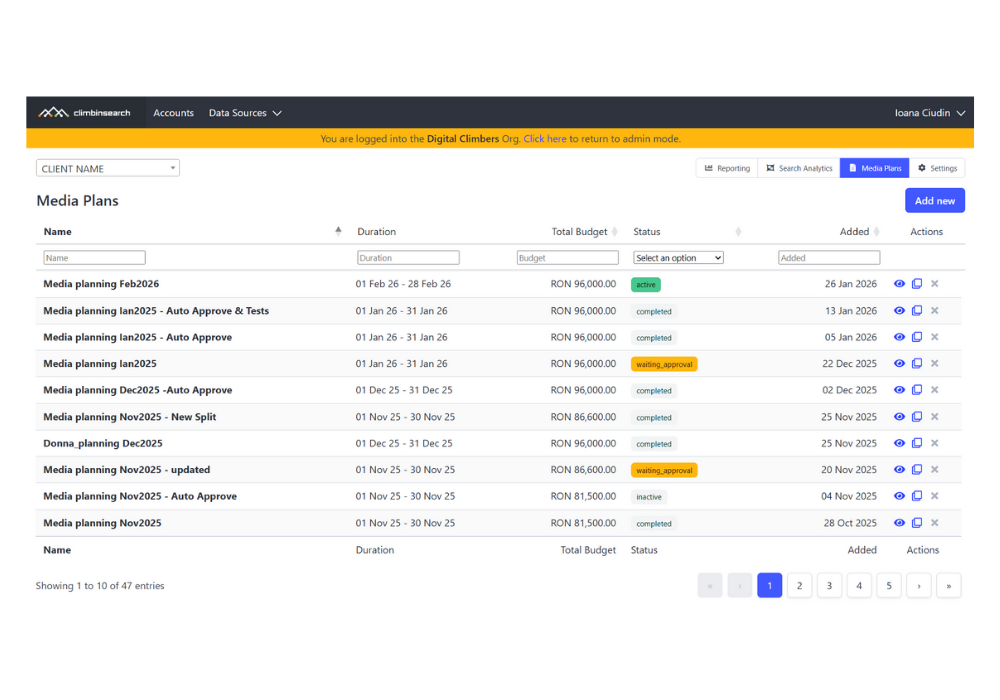
In the Media Plans list, we simplified the actions menu. It now includes only these options: Edit or View, Duplicate, and Delete.
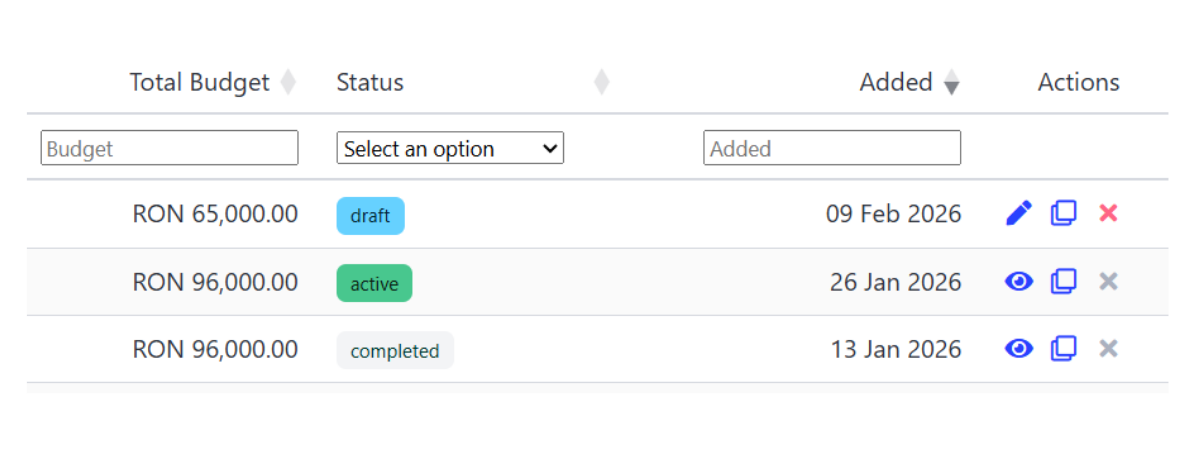
Deleting a media plan was moved to the Media Plans list and removed from individual configuration pages. This keeps destructive actions in a single predictable place and reduces accidental navigation surprises.
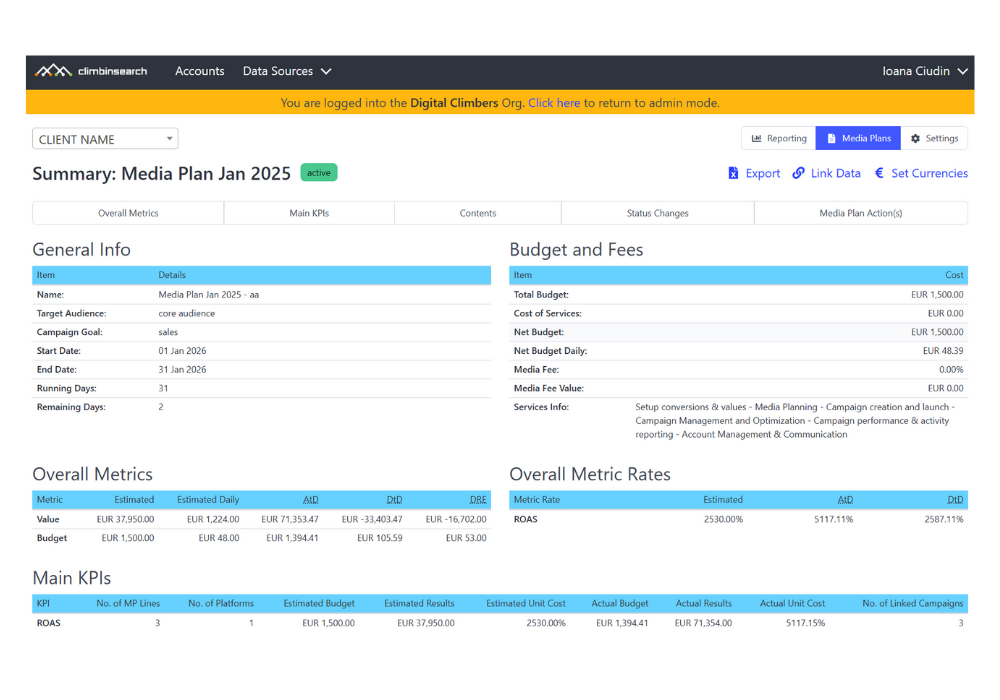
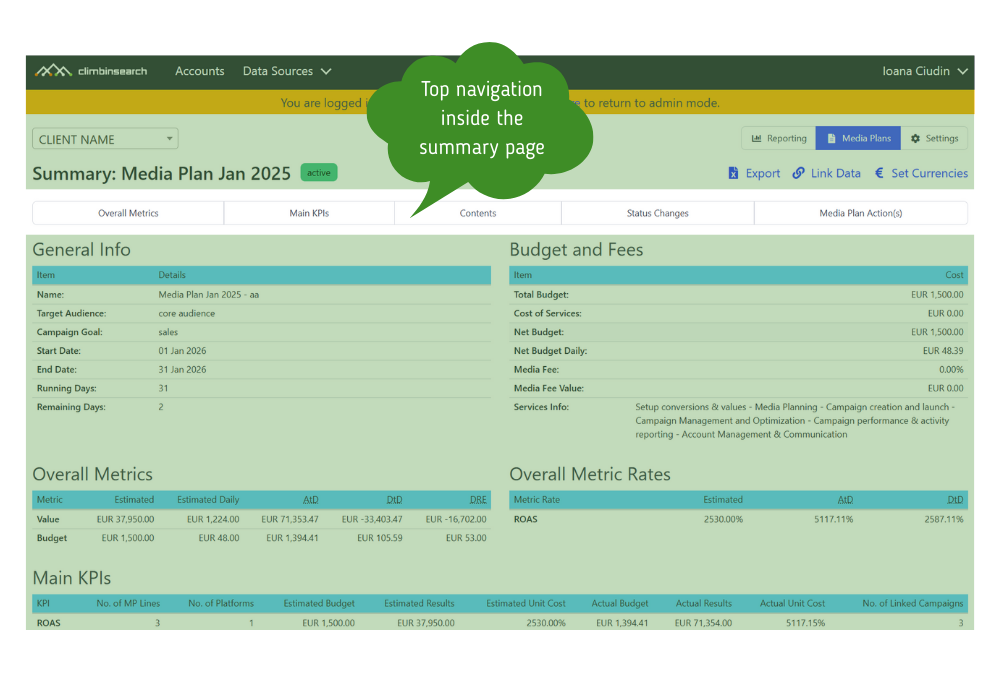
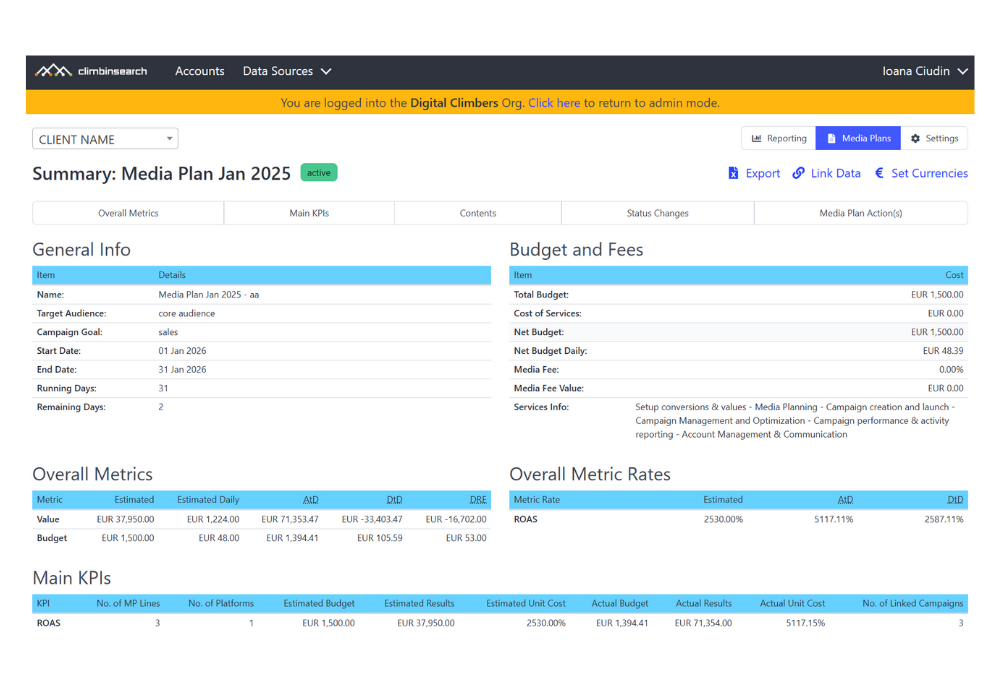
On the Media Plan Summary view, we added direct links to Link Campaigns and Set Currency. These two links are not visible to clients, so internal users can navigate faster without changing the client experience.

On the Link Campaigns page and the Currency setup page, we added navigation links back to the Media Plan Summary, so you can return to the control view without using browser back or jumping through menus.

This navigation structure is most useful in environments where multiple clients and multiple specialists work in parallel.
In an agency setup, you need one place where media plans are easy to find, easy to open, and easy to review without chasing links or versions.
That is why the Media Plans list acts as the main hub. It keeps all media plans grouped per client in one place, with quick access to details and a consistent Summary view for every plan.
From the Summary view, specialists can jump into operational pages like Link Campaigns and Currency, then return to Summary without losing context. This keeps planning work coordinated across roles and reduces back and forth between account managers, performance specialists, and clients.
In short, the workflow becomes predictable: client list for orientation, summary for control, and details for execution.
Account managers moving between plan review and campaign linking
Performance teams working on active and completed plans
Operations teams maintaining currency and conversion settings
Teams that want faster navigation without changing the client facing experience
The quick links to Link Campaigns and Currency are available in the Summary view for internal users and are not shown to clients.
Delete is now handled from the Media Plans list, not from individual plan configuration pages.
These navigation changes support more scalable media planning workflows by reducing context switching and making key plan operations easier to reach. They also prepare the ground for broader usability improvements across the platform navigation.
If you want to see how Media Plans work end to end, explore our digital media planning software module inside ClimbinSearch, built to help teams plan, run, and control delivery without spreadsheet workflows.